





Notice: Microsoft 365 Global Outage – Barracuda Mail Continuity
 Nov 13, 2026
 Cloud & Microsoft 365
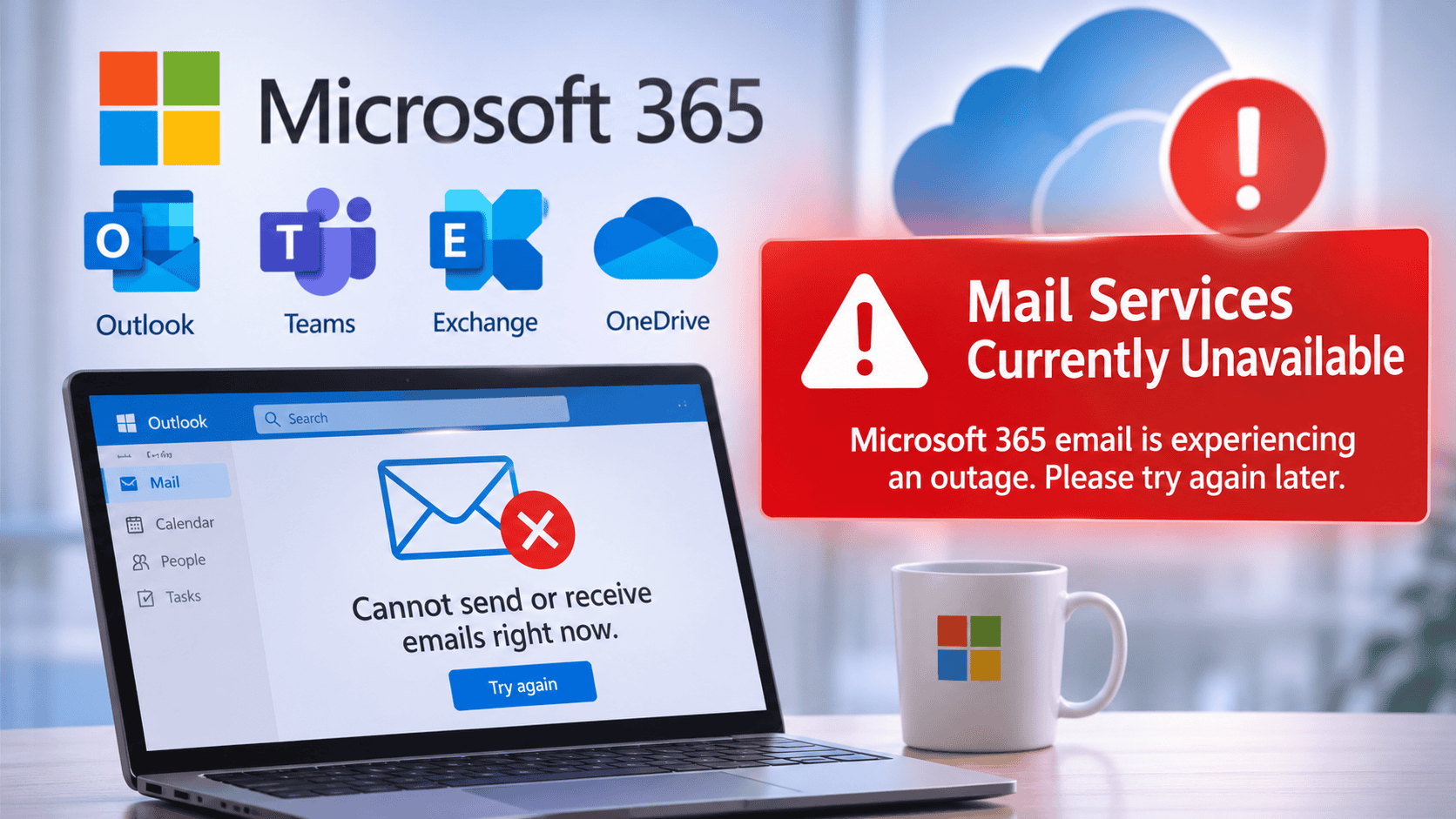
Barracuda Mail Continuity
In order to access you inbound and outbound emails, you can log into the Barracuda Email Gateway directly, using the same details as your Microsoft account.
Type in your email address, click continue and then click ‘Continue with Microsoft’. Follow the prompts to authenticate and sign in.
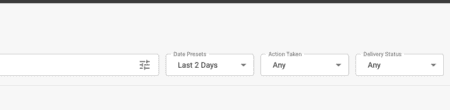
In the ‘Delivery Status’ drop-down menu, select ‘Any’, to see all your incoming emails. You can also compose a new email by clicking the ‘Envelope’ icon.
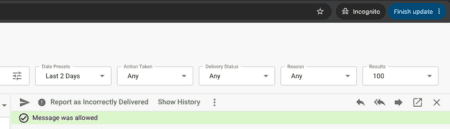
You can reply by double-clicking on an email and there will be a ‘Reply’ button in the top-right corner.
Note: if senders or recipients are using Microsoft Exchange/Outlook etc. they will be unable to send you emails or receive them until services are restored.
Please do not expect any emails from Microsoft mail servers where clients use Microsoft 365.
Microsoft Status Updates:
For further updates related to the Microsoft 365 outage, please refer to the following URL: https://status.cloud.microsoft/m365/
Alternatively, please contact Micro Pro on 01932 300314 should you have any questions or need further assistance.

Need Practical IT Advice?
Speak with Micro Pro about your current challenges.


More Insight, Better IT Decisions.
Explore practical advice on cyber security, IT strategy, cloud systems and business technology, written to help leaders make clearer decisions with confidence.
November 13, 2026
Notice: Microsoft 365 Global Outage – Barracuda Mail Continuity

Technology Platforms We Work With









Shaun Groenewald
Director
Book a Consultation
Ready for an IT Partner That
Understands Your Business?
Speak to Micro Pro about managed IT support, cybersecurity and strategic technology guidance for your organisation.